Extensions
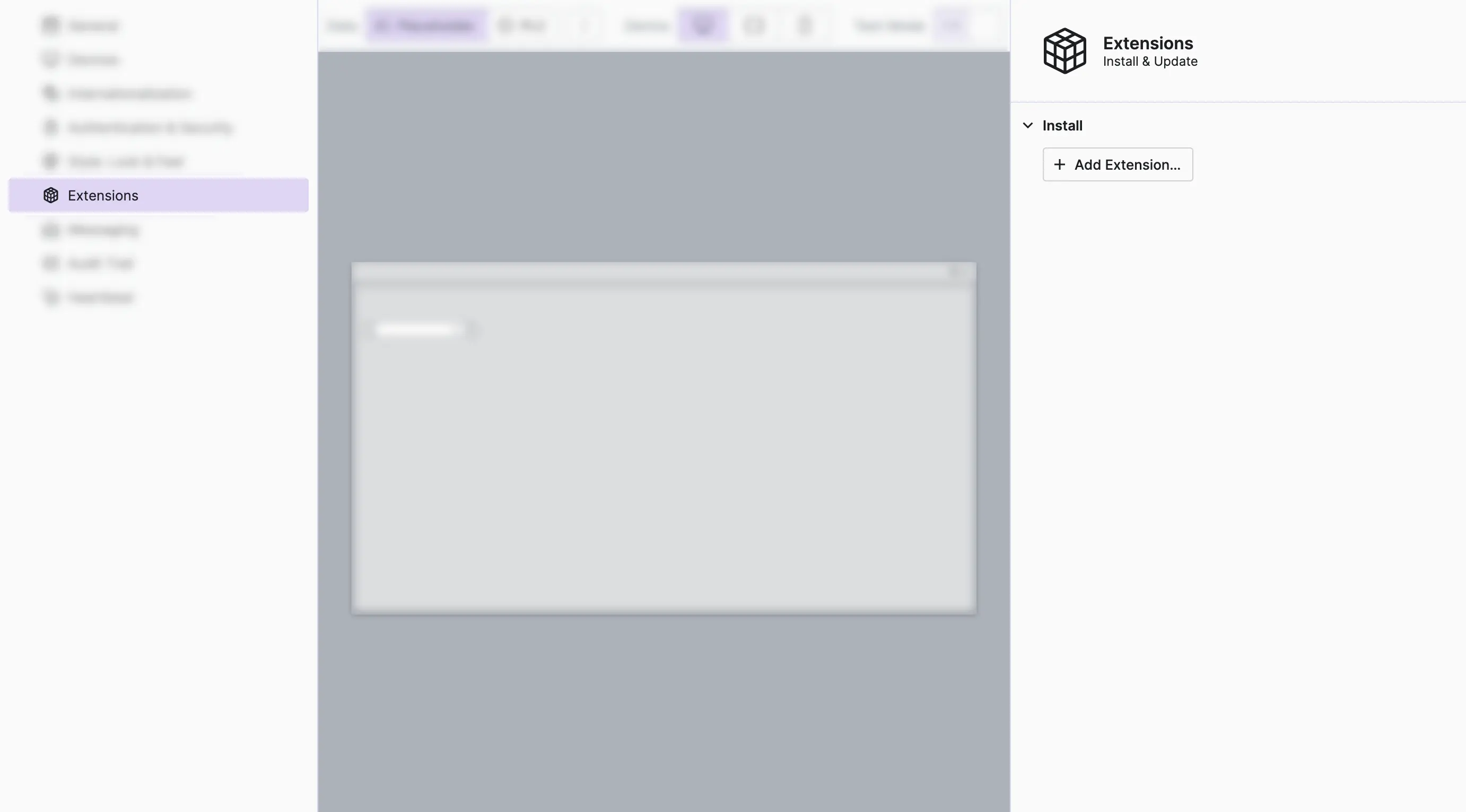
Use the Extensions View to install one or multiple
HELIO Extensions into your current project to enhance
its built-in functionality with custom code.
Import an Extension
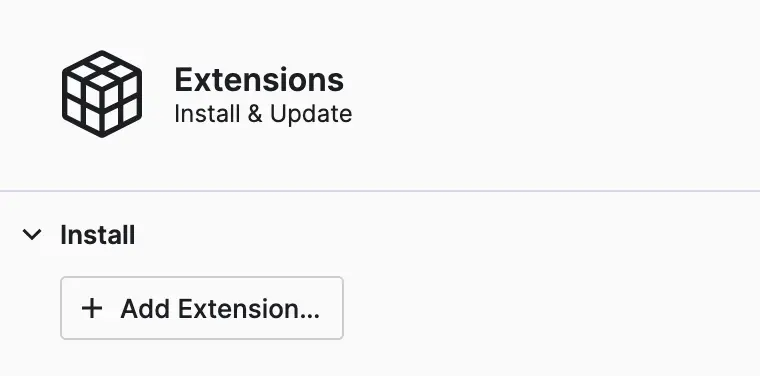
- Locate the Properties Panel and
use the
Add Extensionbutton to import your extension. - Either select the
.jsfile that you have downloaded from a team member, or navigate to theLibfolder of your extension project to locate your own extension. - Don't forget to save your project!
Update an Extension
Updating is just as simple:
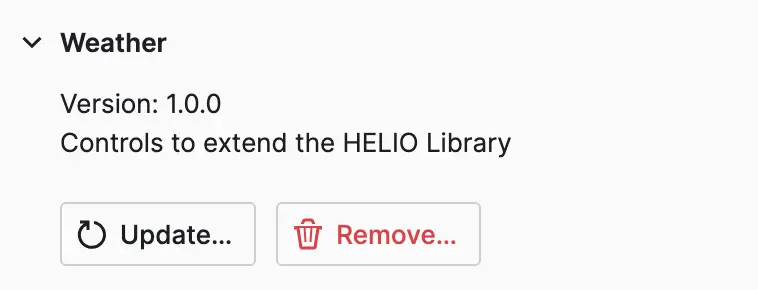
- Locate your imported extension in the Properties Panel of the view.
- Click the
Updatebutton, select the corresponding.jsfile. - Don't forget to save your project.
- Reload the HELIO IDE to ensure that the extension code has been properly updated.
Remove an Extension
To delete any extension from your :
- Locate your extension in the Properties Panel of the view.
- Click the
Removebutton. - Don't forget to save your project.
Learn more with the following resources:
- Learn about how to build extensions using the Extend HELIO Using the SDK guide.