Style: Look & Feel
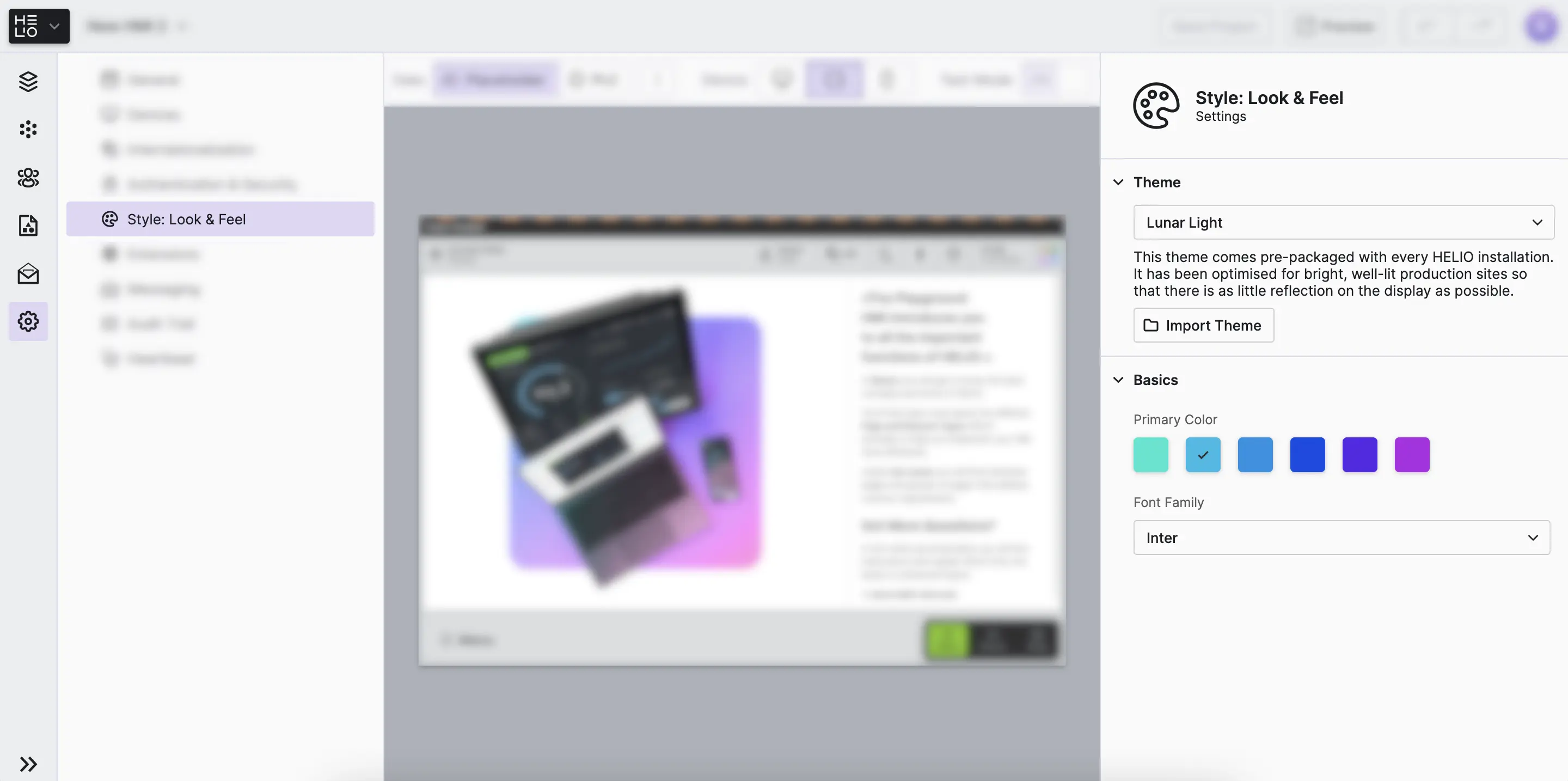
Use the Style View to customize the visual appearance of your HMI, such as
selecting a theme.
Select the theme, adjust colors, and choose typography that aligns with the corporate design of your company.
Theme
Select between predefined themes that control the overall look and feel of your HMI interface. Themes typically include light and dark variants, each optimized for different viewing conditions and user preferences.
Got Specific Design Requirements?
Our team provides customized services to make HELIO the ideal solution for you, including complete system integration.
Basics
Primary Color
Define the main accent color that will be used throughout your HMI. This color will appear in interactive elements, highlights, and key UI components. Choose a color that represents your brand.
Font Family
Select the typeface for all text in your HMI. The font family affects readability and sets the tone for your interface. Choose a font that matches your brand guidelines.
Get Started With the Style View and Design Tokens
To watch this embedded YouTube video, you need to accept the marketing cookies.