What You Can Build With the SDK
Before exploring the details, let's understand the capabilities of the HELIO SDK. You can build your own Elements, Actions, and Dynamic Properties to match your specific machine requirements and workflows. Let's look at some concrete examples to see what that actually means.
"Circular Flow" Extension
This extension demonstrates how to build parent-child element relationships using the SDK. The "Circular Flow" acts as the parent container, while each section is a modular child element that can be added, removed, or reordered.
The modules showcase integration with HELIO's core features: they use the
built-in icon system for visual consistency and support native action handlers
through the On click property. Each section can also display completion states,
making it perfect for step-by-step workflows.
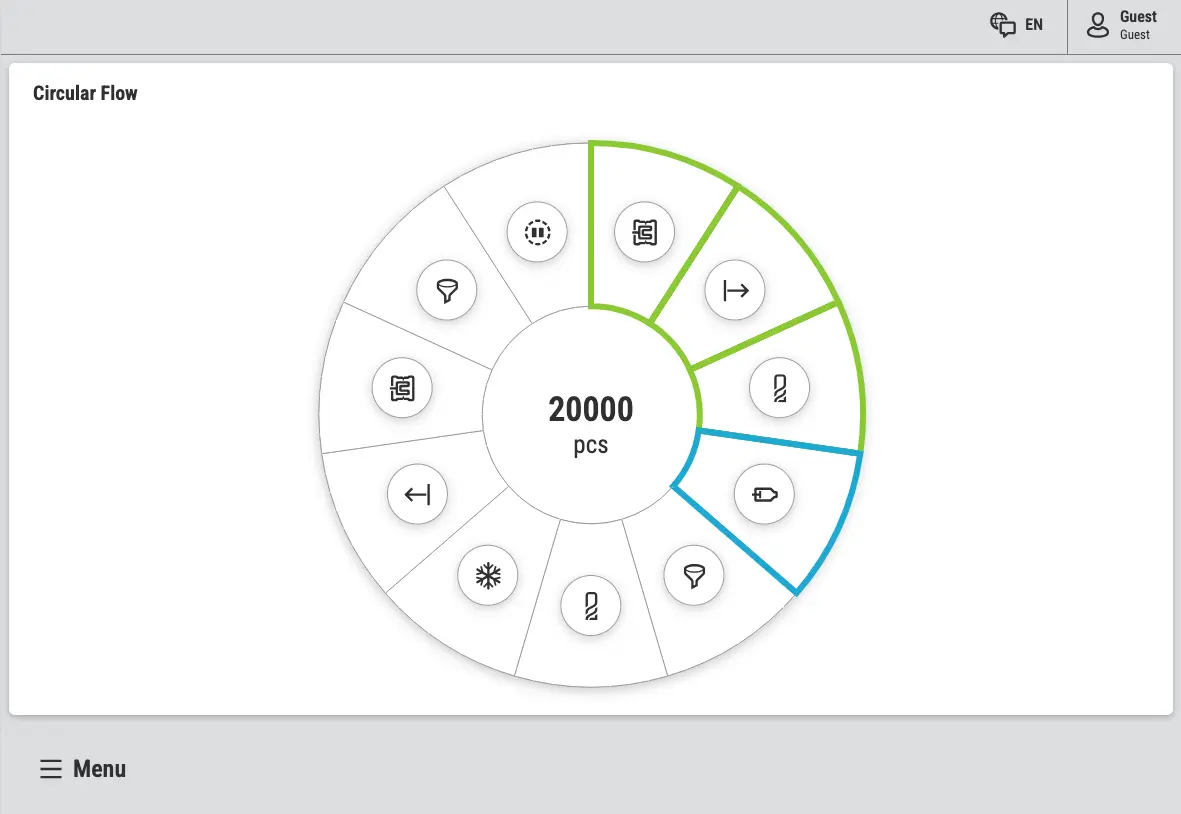
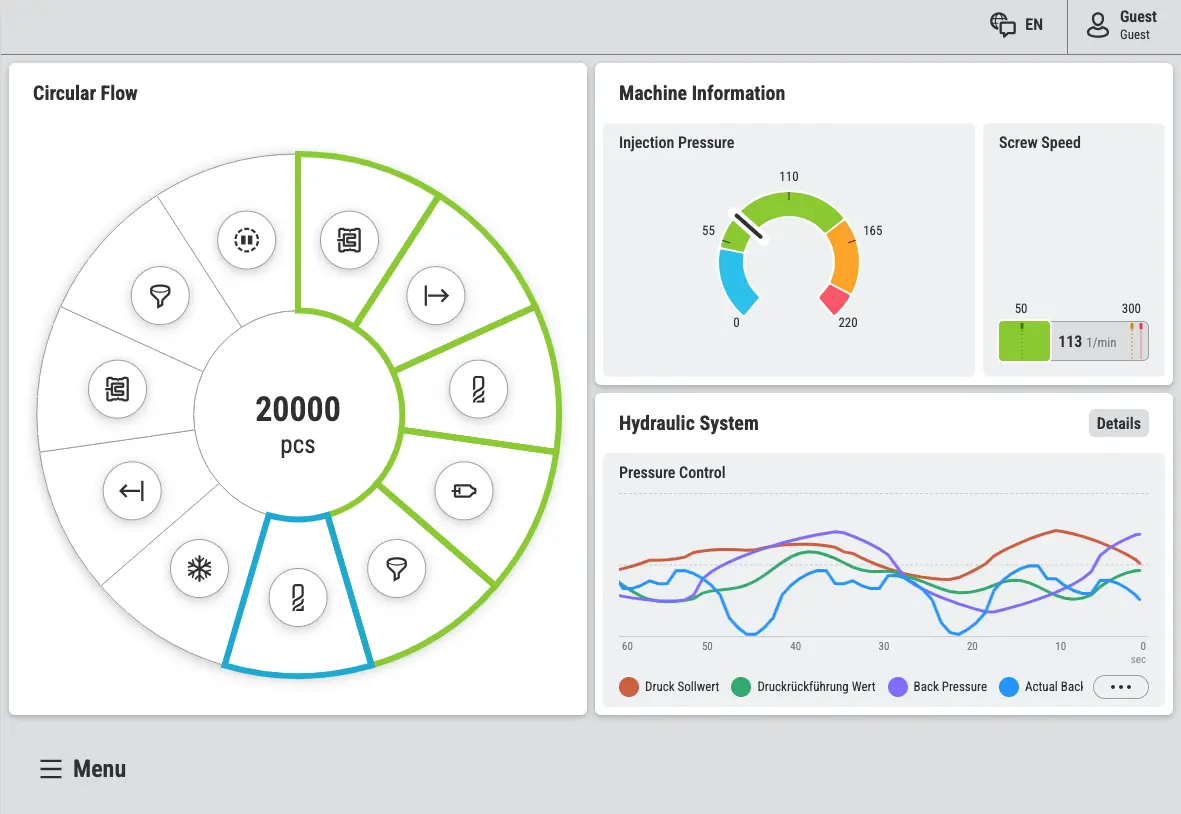
The extension also defines a custom widget type, demonstrating how SDK extensions can create reusable components that work seamlessly on any Dashboard page alongside HELIO's native widgets.
The "Dice" Extension
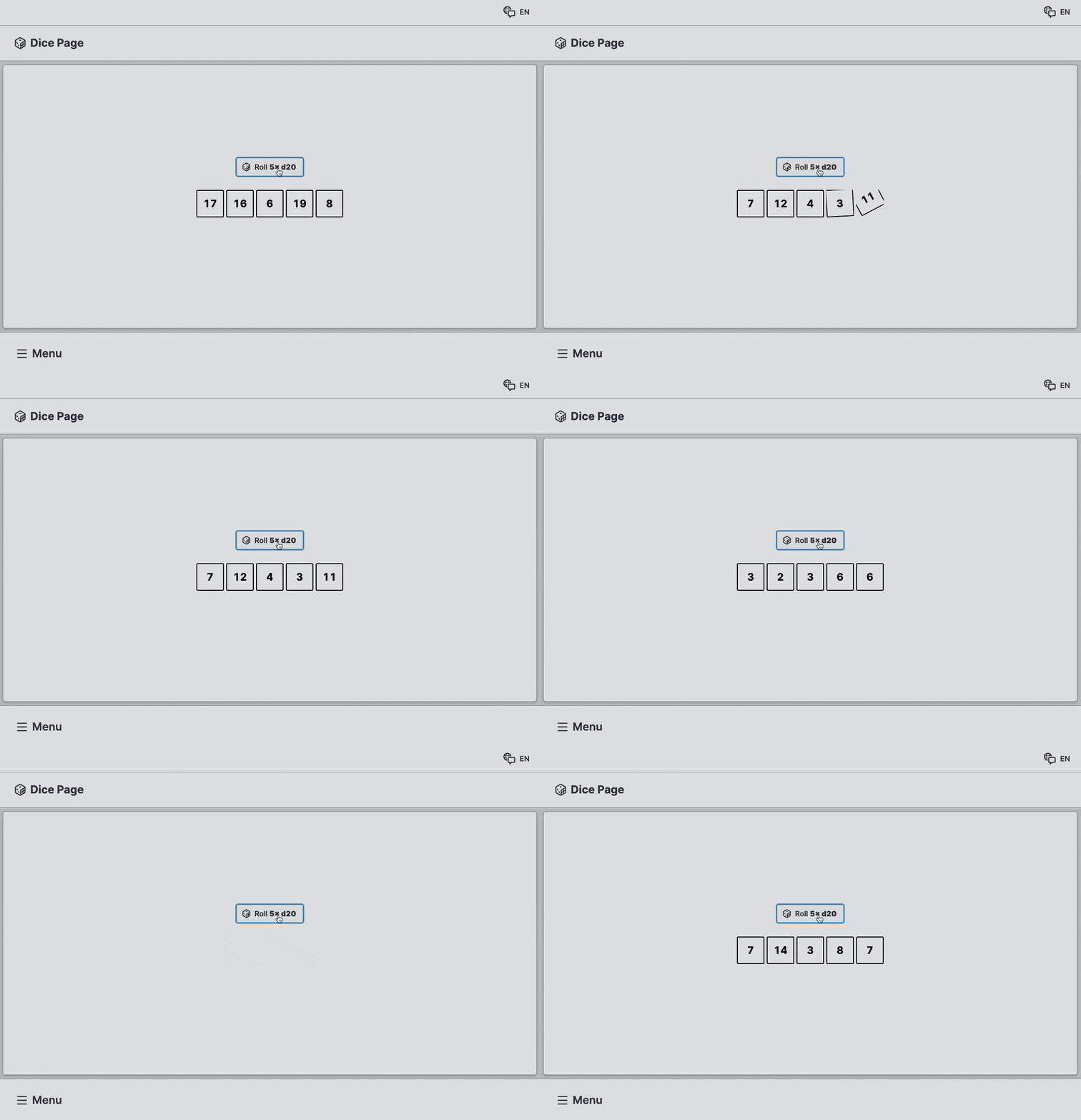
This playful extension demonstrates a powerful SDK capability: rendering custom content inside your elements. While this example shows interactive dice, the same approach lets you embed virtually anything – 3D scenes, interactive canvases, PDF viewers, or interactive data visualizations using SVG.
"Weather" Extension
The Weather extension showcases integrating with external backends and APIs. This example fetches live weather data from a REST API, but the SDK gives you access to everything the browser can do — GraphQL queries, OpenAPI-compliant services, WebSocket connections, or any custom backend endpoint.
The extension defines a custom "Weather Page" type where you configure the location, and it handles all the data fetching and display logic internally.
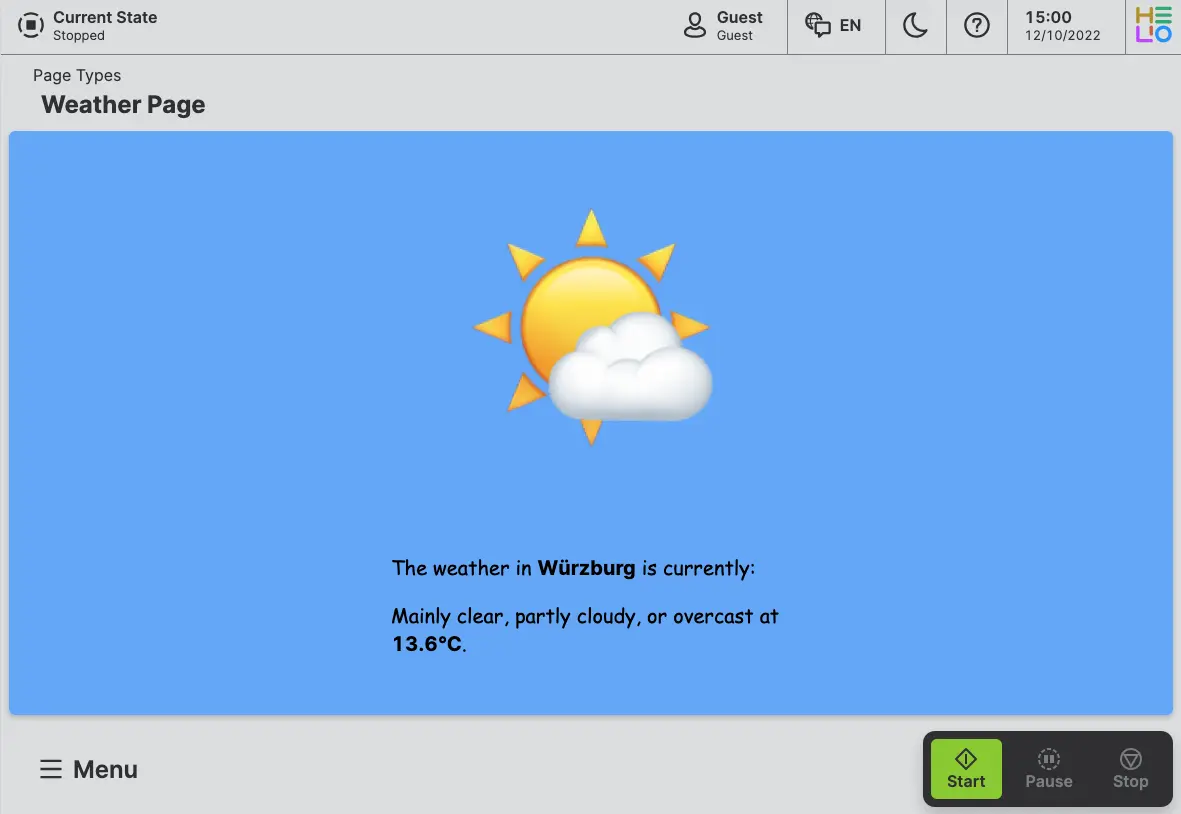
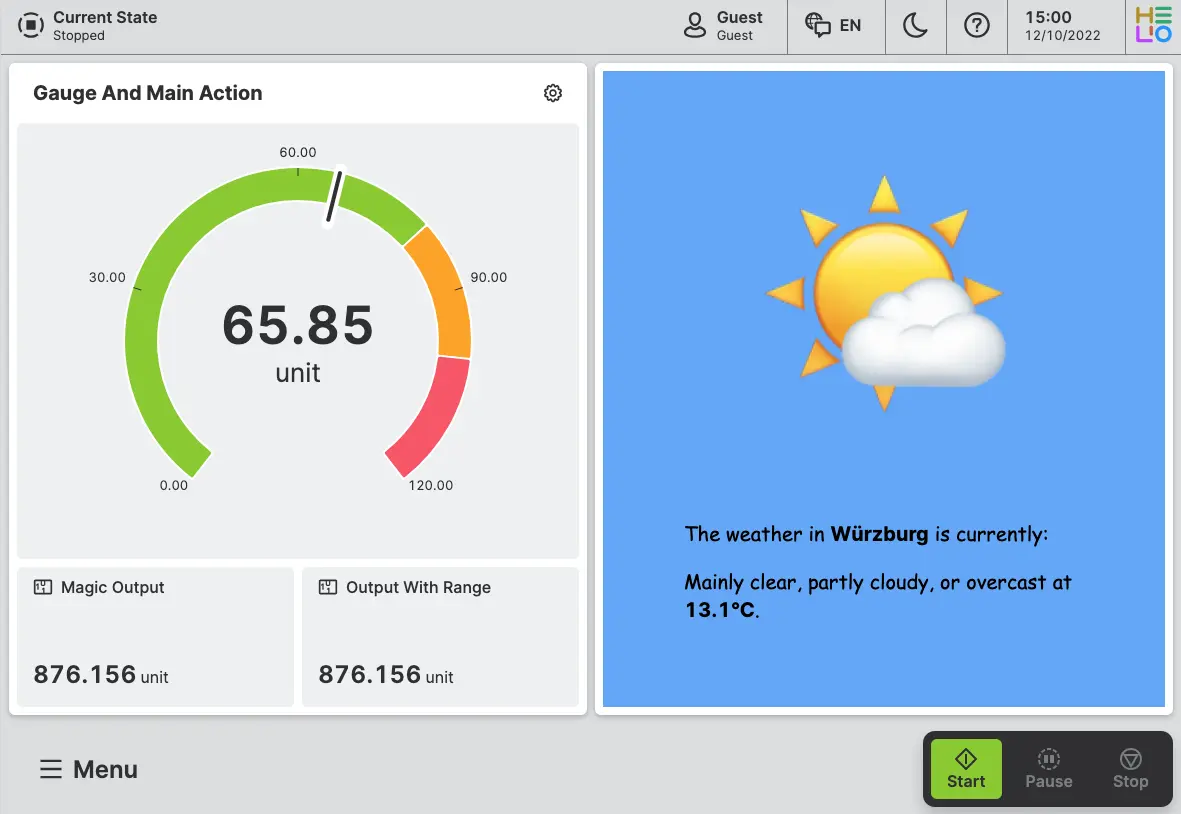
The extension also creates a custom widget type for Dashboards, demonstrating how the same backend integration can be reused across different element types for maximum flexibility.
Now that you have an idea of what you can build with the SDK, let's discuss the necessary skills and tools for building extensions.